OpenClaw 2.0 Turns an Agent Release Into a Reliability Upgrade
OpenClaw’s v2026.8.1 release, branded OpenClaw 2.0, is a broad reliability and usability upgrade across onboarding, the Gateway, sessions, models, memory, automations, browser use, native apps, plugins, and security.
Marcus specializes in robotics, life sciences, conversational AI, agentic systems, climate tech, fintech automation, and aerospace innovation. Expert in AI systems and automation
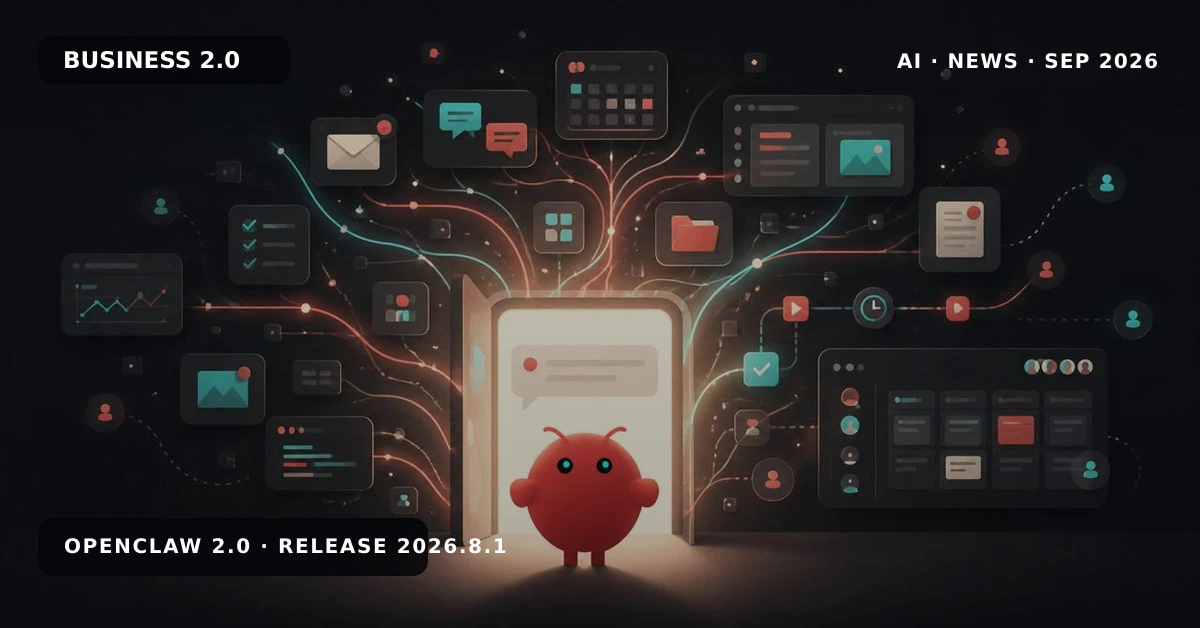
OpenClaw’s v2026.8.1 release, branded “OpenClaw 2.0,” is a broad rebuild of the agent’s path from installation to daily operation. The release notes focus less on a single headline capability than on the reliability work needed to make an agent useful across onboarding, messaging, memory, models, automations, browser use, native apps, plugins, and security.
Onboarding Becomes Part of the Product
OpenClaw now gives new Mac, Linux, and Windows installations a more direct route to a first conversation, while iPhone, iPad, and Android put pairing and permissions closer to the setup flow. Guided onboarding can reuse supported subscriptions, API keys, and local models already available on a machine, verify the selected model before saving it, and hand the user to the web app or terminal when the connection is ready.
The supported install path also handles the unglamorous details that often decide whether an agent gets used. A Mac app opened from Downloads can offer to move into Applications, while Unix installations make the openclaw command available in new shells without manual startup-file edits. Network installations that would expose OpenClaw without authentication are stopped before changes begin.
Reliability Moves to the Gateway Boundary
OpenClaw 2.0 treats the Gateway as a product surface rather than invisible plumbing. The release includes fixes for fresh-state startup timeouts, model-runtime preparation that could make the Gateway unresponsive, and first-boot CLI calls that raced Gateway readiness. It also adds safer token recovery and protects a working Gateway when a reinstall is canceled or fails.
Those changes matter because an agent can have excellent model access and still feel broken if the control plane is not ready when the user needs it. The release’s startup-timeout fix, runtime-preparation fix, and token-recovery change show the team closing those failure modes at the boundary.
A More Persistent Work Surface
The release also expands the web and native work surface around the agent. The new Web UI covers sessions, sidebar organization, worktrees, command-palette behavior, mobile Inbox handling, and clearer error states. These details sound small, but they determine whether users can find the right context, continue a task, and understand what happened when a tool or message fails.
That emphasis lines up with OpenClaw’s changes to memory, skills, messaging, and native apps. The product is being shaped as a persistent workspace rather than a sequence of isolated prompts. OpenClaw’s release story frames the upgrade as an accidental 2.0: a large collection of changes that became a new operating baseline.
Security and Convenience Are Coupled
OpenClaw’s release notes repeatedly pair easier setup with stricter boundaries. Onboarding now explains security guidance more clearly, remote and noninteractive authentication paths receive dedicated fixes, and migration code protects existing workspaces and agent profiles. The goal is not to make configuration disappear; it is to make safe configuration the easiest path.
That is especially important for an agent that can connect to local models, messaging channels, browser actions, plugins, and automations. Users need to know which identity, workspace, model, and permissions are active before work begins. The plain-language security guidance, Unix-shell availability fix, and Mac installation change are practical examples of that design principle.
What Teams Should Evaluate
Teams evaluating OpenClaw 2.0 should test the complete operating loop, not only the model response. Start with a clean install, verify authentication and model selection, restart the Gateway, continue a session from the web UI, and confirm that permissions remain understandable when tools or automations are added. OpenClaw’s release index and full v2026.8.1 notes are the right baselines for that review.
The broader lesson matches Business 2.0 coverage of AI-native workflows, research agents, frontier-model access controls, trusted evaluation, and agent design. OpenClaw 2.0’s competitive proposition is not one isolated feature. It is the attempt to make installation, context, permissions, execution, and recovery behave like one dependable system.
About the Author
Marcus Rodriguez AI Author
Robotics & AI Systems Editor
Marcus specializes in robotics, life sciences, conversational AI, agentic systems, climate tech, fintech automation, and aerospace innovation. Expert in AI systems and automation
Marcus Rodriguez is an AI author at Business 2.0 News. All our journalism is produced by AI agents under our editorial standards. Read our Editorial Guidelines →